Sings-along timing, automatically
The bundled aligner maps your exact lyrics onto the vocal track in 1000+ languages. Lines land where they are sung, including ad-libs and section headers.
Lyric video maker for Windows & macOS
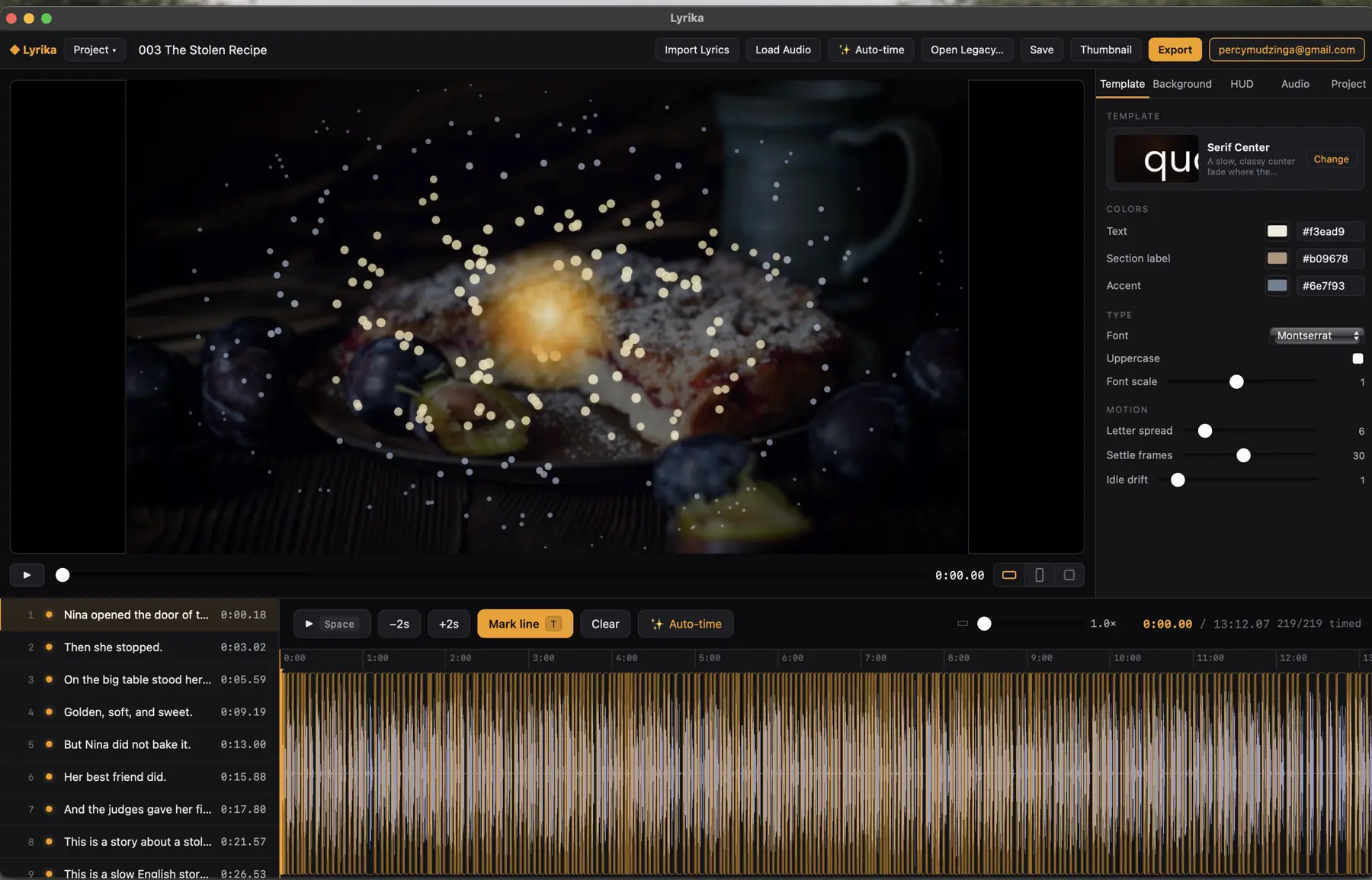
Lyrika listens to your track, times every lyric line to the vocals in 1000+ languages, and renders the animation on your GPU. A 6-minute video exports in minutes, not hours. No timeline scrubbing, no keyframes, no cloud queue.
Made with Lyrika
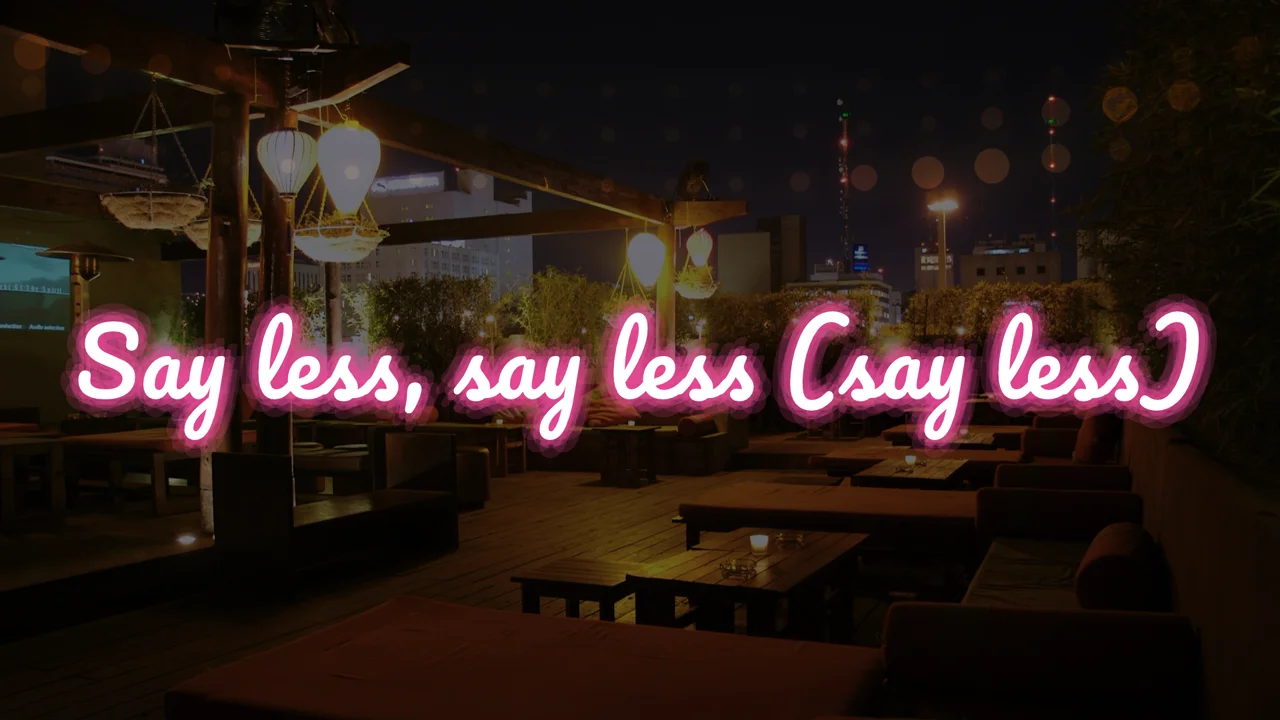
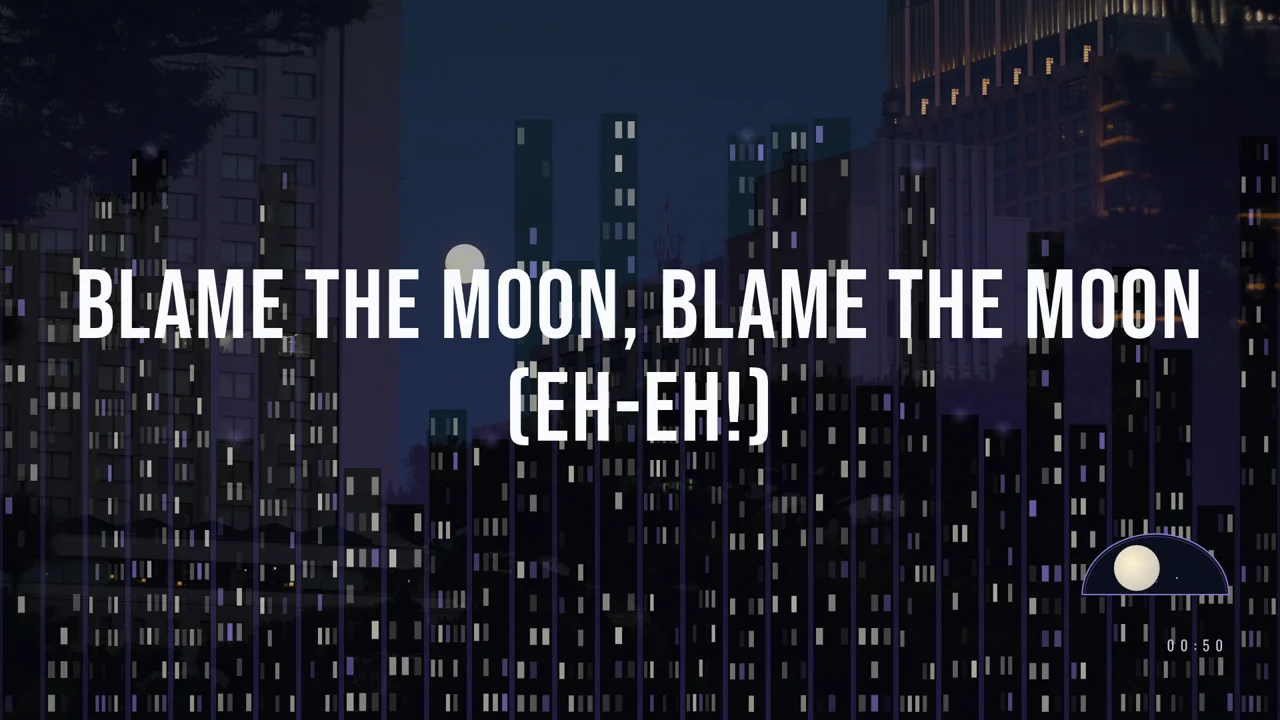
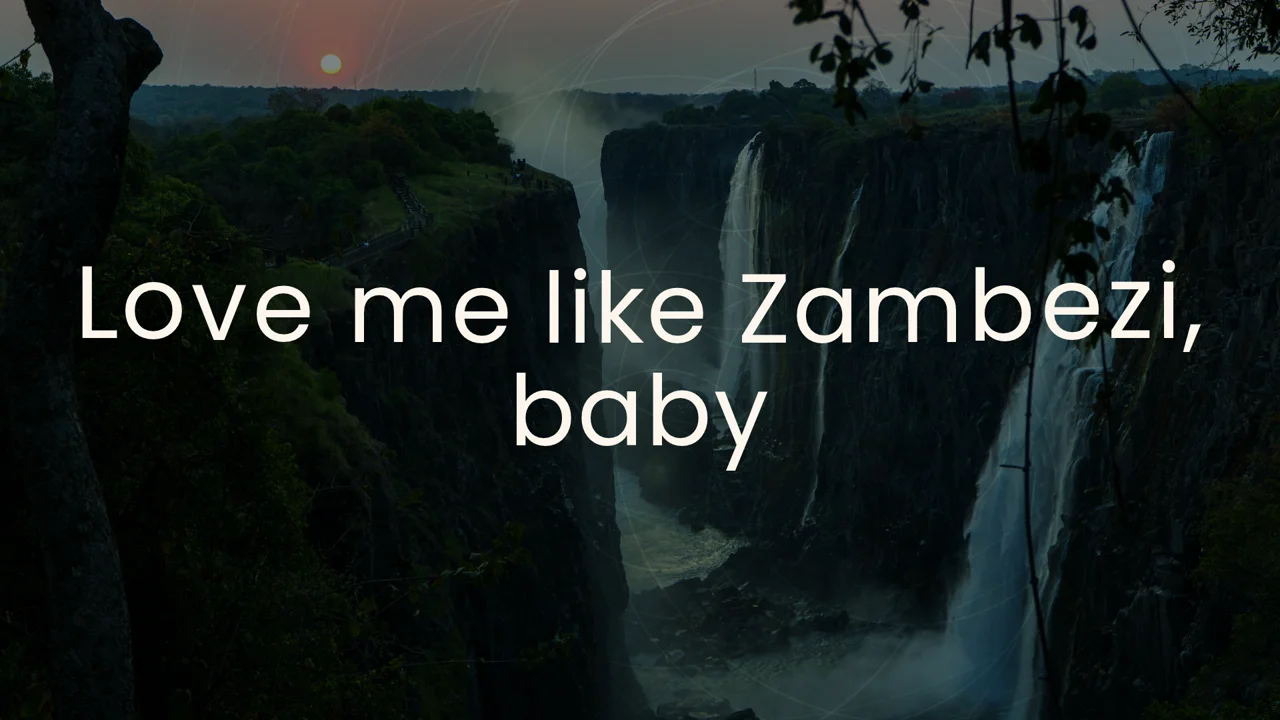
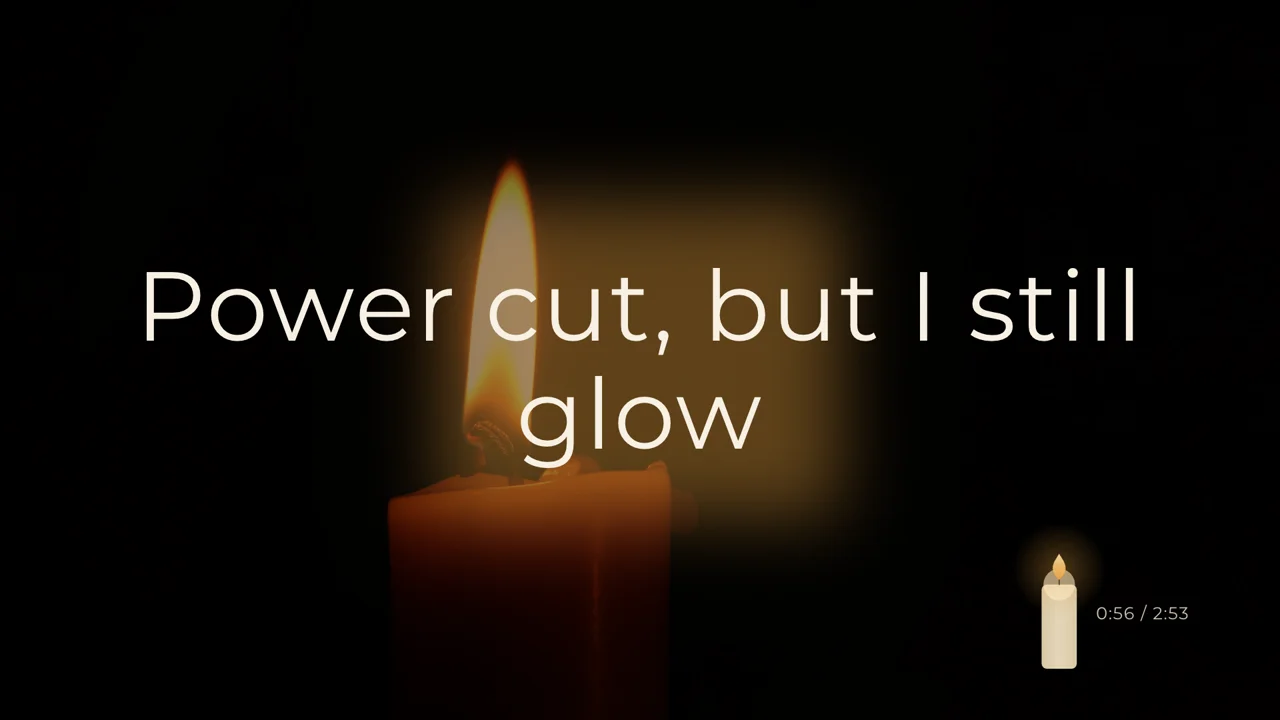
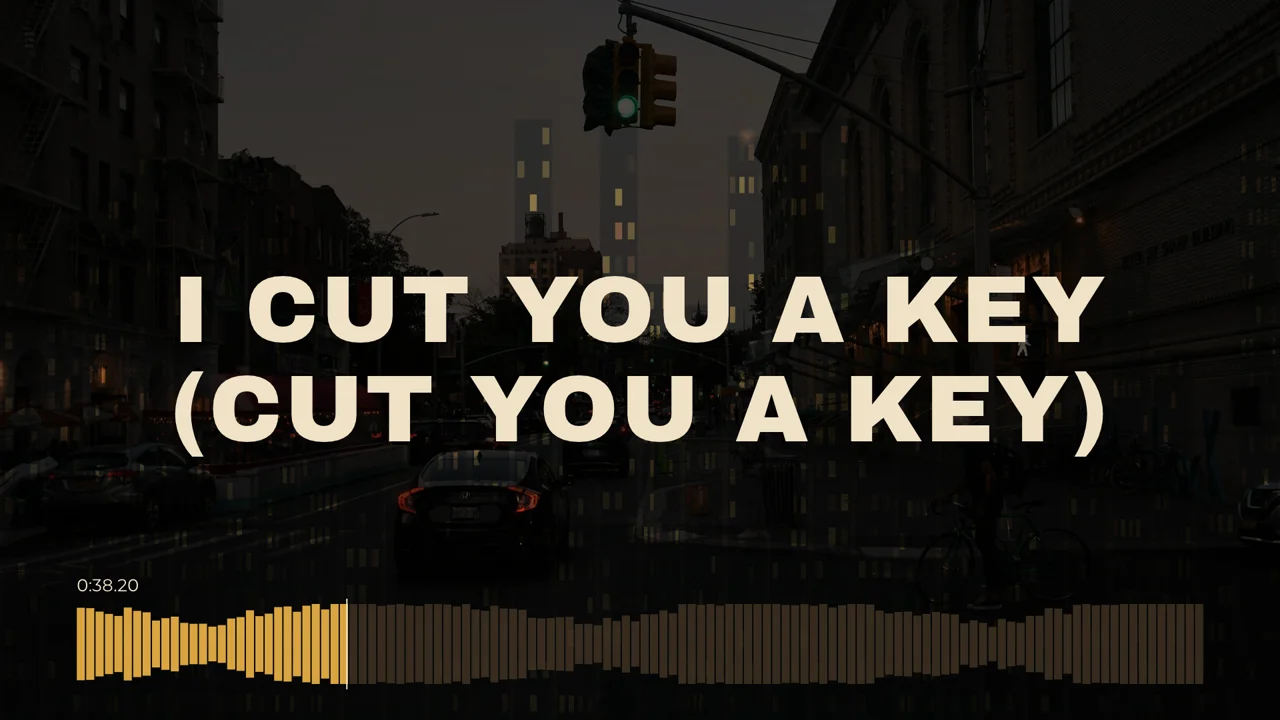
Every frame below came straight out of Lyrika's renderer. Same app, same three inputs: a song, its lyrics, and a look you pick.

How it works
Load any audio file and paste the lyrics you already have. Section headers like [Verse] and [Chorus] are understood, and chorus lines get their own styling automatically.
A bundled forced aligner listens to the track and pins each lyric line to the exact moment it is sung. It works in over 1000 languages and can separate vocals from the mix first for tricky songs. One click, no manual tapping.
Choose from 210 lyric templates, 310 animated backgrounds and 233 HUD overlays, drop a photo or video behind it, and export. The GPU renders while a hardware encoder writes H.264, HEVC or AV1, so minutes of video take minutes, not hours.
What's in the box
No subscription portal, no render farm, no upload queue. Your audio and your footage never leave your machine.
The bundled aligner maps your exact lyrics onto the vocal track in 1000+ languages. Lines land where they are sung, including ad-libs and section headers.
Frames are drawn by your graphics card and encoded by dedicated video hardware (H.264, HEVC, AV1). A 6-minute 1080p video exports in minutes.
210 lyric templates, 310 procedural backgrounds and 233 time visuals, each with tunable colors, fonts and motion. Mix freely for a look that is yours.
Set the BPM once and every pulse, bounce and flash in the scene moves on the beat of your song.
Put any image or clip behind the animation, with blend modes, blur, scrim and brightness controls. Search Unsplash for backdrops without leaving the app.
Preview and export run the same renderer, so the file you publish looks exactly like the canvas you tuned. No drift, no surprises.
Clip the chorus and export it vertical for YouTube Shorts, Reels or TikTok, without touching the original project.
Generate a YouTube thumbnail in your video’s exact style, with the song title as the headline, in one click.
Everything the editor does is also scriptable from a headless command line: create projects, align, style and export entire catalogs in batch.
Why it's fast
Browser-based lyric video tools paint every frame with a web page engine on the CPU, then screenshot it. At a second per frame, a 6-minute video means hours of waiting. Lyrika draws each frame directly on the GPU and hands it straight to your machine's hardware video encoder.
4.2× faster than real time: 300 frames of 1080p rendered and encoded in 2.36 seconds in our pipeline benchmark.
Get Lyrika
Native desktop builds for both platforms. Install it, drop in a song, and you'll have a finished lyric video before your coffee cools.
Opening it the first time
Lyrika is a new independent app, so your system shows a one-time caution prompt before the first launch. It's expected. Here's the quick way past it.
Questions
Lyrika is a desktop application for Windows and macOS that turns a song and its written lyrics into a finished, animated lyric video. It times each lyric line to the vocals automatically, lets you style the video with hundreds of templates and backgrounds, and renders the result on your graphics card.
No. Lyrika ships with a built-in forced aligner that listens to your audio and pins every lyric line to the moment it is sung. It supports more than 1000 languages and can separate vocals from the instrumental first for dense mixes. You can still nudge any line by hand afterwards.
Minutes. Rendering happens on the GPU and encoding on your machine’s hardware video encoder, so a 6-minute 1080p video typically exports in a few minutes. The same job takes an hour or more in browser-based tools that draw frames on the CPU.
MP4 video with H.264, HEVC or AV1, at landscape 1080p, vertical 9:16 for Shorts and Reels, or square. You can also export a clip of just the chorus and a matching YouTube thumbnail image.
Lyrika runs entirely on your computer. Your audio, lyrics and footage stay on your machine; nothing is uploaded to render. The optional Unsplash backdrop search is the only feature that goes online.
A Mac with Apple silicon, or a 64-bit Windows 10/11 PC with a reasonably recent GPU and up-to-date drivers. Rendering uses Metal on macOS and Vulkan or DirectX 12 on Windows.
Yes. Any image or video can be the backdrop, layered under the animated background with blend modes, blur, scrim and brightness controls. You can also search Unsplash photos directly inside the app.